 ← Back to course
← Back to course
← Back to course
Claude Code Basics · stop repeating yourself
Start a new session and Claude forgets everything — your stack, your commands, your style. A CLAUDE.md file is its permanent memory for this project. Write it once; it's there every time.
CLAUDE.md automatically, at the start of every session./init and Claude scans your project and writes a starter for you.
No more re-explaining your project on every fresh chat.
What to put in it
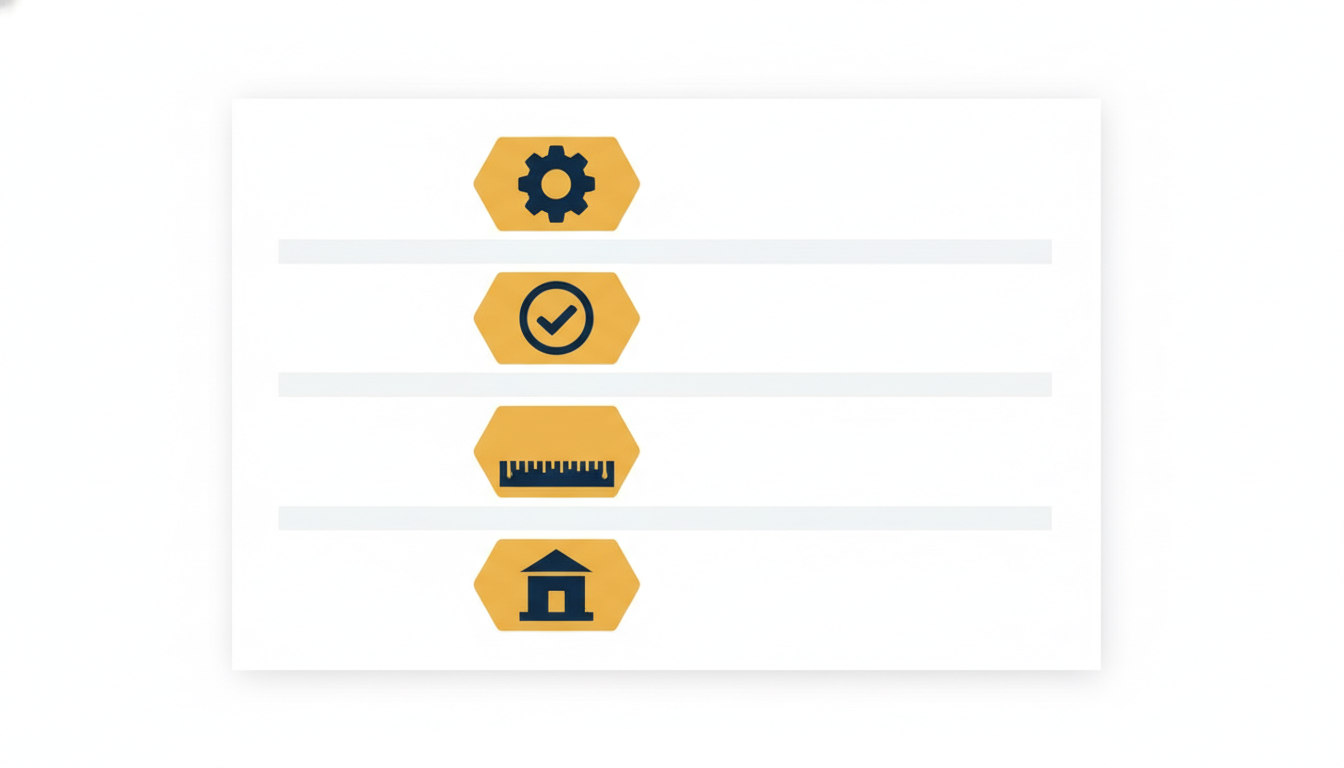
Keep it tight — about a page. A short, sharp memory beats a long rambling one.
Two kinds of memory
CLAUDE.md in your project. Shared with your team through git. The build steps & rules everyone follows.~/.claude/CLAUDE.md. Just you, across every project. Your shortcuts and preferences./memory to view and edit everything Claude is remembering.Keep secrets out of the shared file — those belong in your personal memory or a .gitignored CLAUDE.local.md.

Write it once. Claude remembers.