vibethecoder ← Back to course

Claude Code Basics · you're the boss

You decide how much it can do

Reading your files is always safe — Claude does that freely. But anything that changes things — an edit, a command — happens on your terms, from "ask me every time" to "just go." Out of the box, it asks first.
📖
Reads freely — looking at your files never needs approval.
Asks first, by default — before an edit or a command it checks with you; you see the change and approve or deny.
🎚️
You set the autonomy — loosen it to move faster, or lock it down. Your call, any time.
Hands on the wheel, in control

The default mode is the cautious one. Looser modes trade prompts for speed — you opt into them.

Think before doing

Plan mode: see the plan first

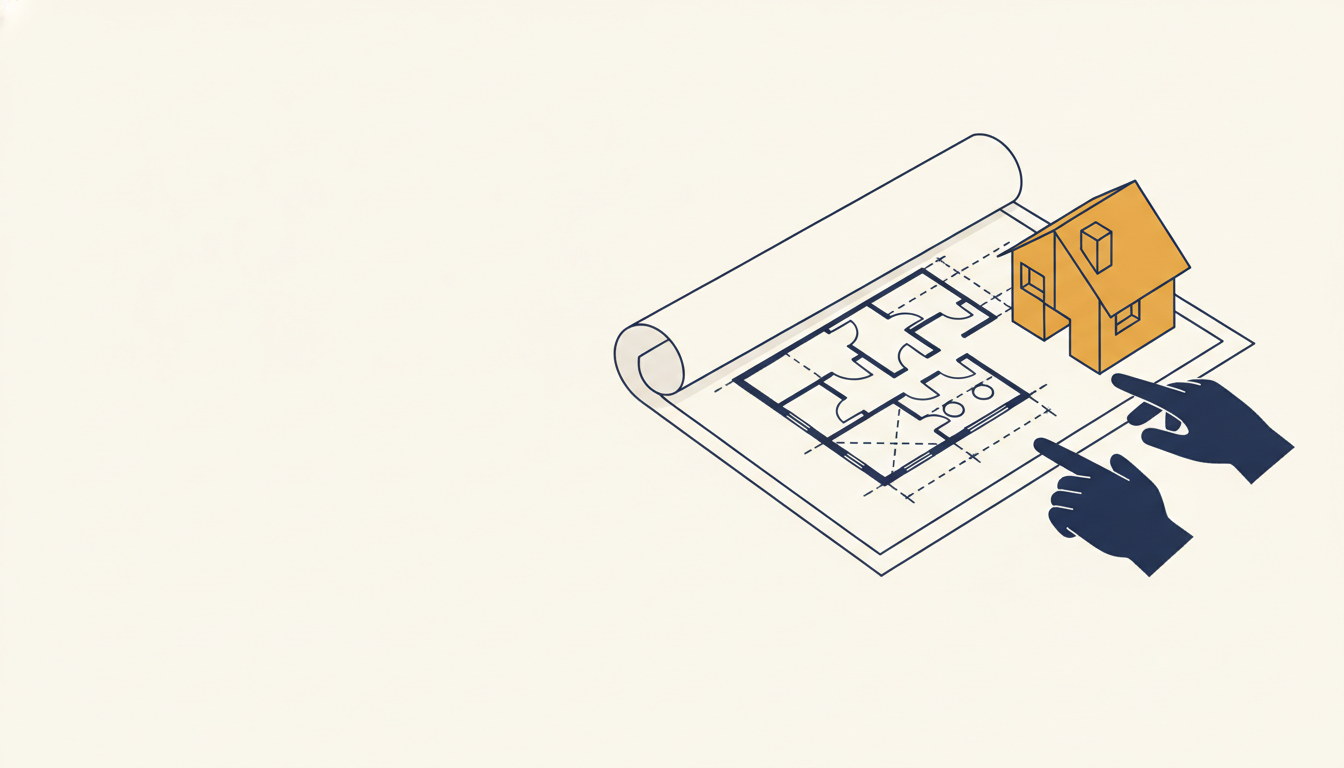
For anything big, switch to Plan mode. Claude explores and shows you exactly what it intends to do — and changes nothing until you say go.
1
Switch to Plan mode
Pick Plan from the mode menu, or press Shift+Tab to cycle modes — works in the panel and the terminal.
2
Read the plan
Claude lays out its approach. Give feedback, or approve.
3
Then it builds
Only after you say go. No surprises.
Review the blueprint before building

Your control panel

Five modes, from cautious to hands-off

🛑
Ask before edits — the default. Asks before every edit & command. Safest — start here.
Edit automatically — applies edits (and safe commands) for you; still asks before risky ones.
🗺️
Plan mode — read-only; plans first, changes nothing.
🤖
Auto mode — runs on its own with safety checks that block obviously dangerous moves. (newer)
🚀
Bypass permissions — no prompts; Claude just runs. Hands-off, for when you trust the task — keep your work in git so anything can be undone.
A simple control panel

Switch with the mode menu or Shift+Tab.
Going the wrong way? Hit Stop (or Esc) and redirect.

You hold the keys.

Your undo button

Made a mistake? Rewind

Took a wrong turn? Rewind rolls your session back to an earlier point — the conversation and the file changes Claude made — so you can experiment without fear.

Run /rewind — or press Esc twice. Pick an earlier point to roll back to.
🔀
Choose what to restore — the code, the conversation, or both.
🧷
git is your bigger net — Rewind undoes Claude's edits this session; commit to git for everything beyond that.
Rewind to an earlier safe point

A session-level safety net — it doesn't undo raw shell commands (like deleting files); that's what git is for.

← / → or buttons · F fullscreen