vibethecoder ← Back to course

Claude Code Basics · trust but verify

It says done — is it?

A green checkmark means Claude thinks it finished — not that the thing actually works. The page can be blank, the button dead, and you'd never know if you don't look.
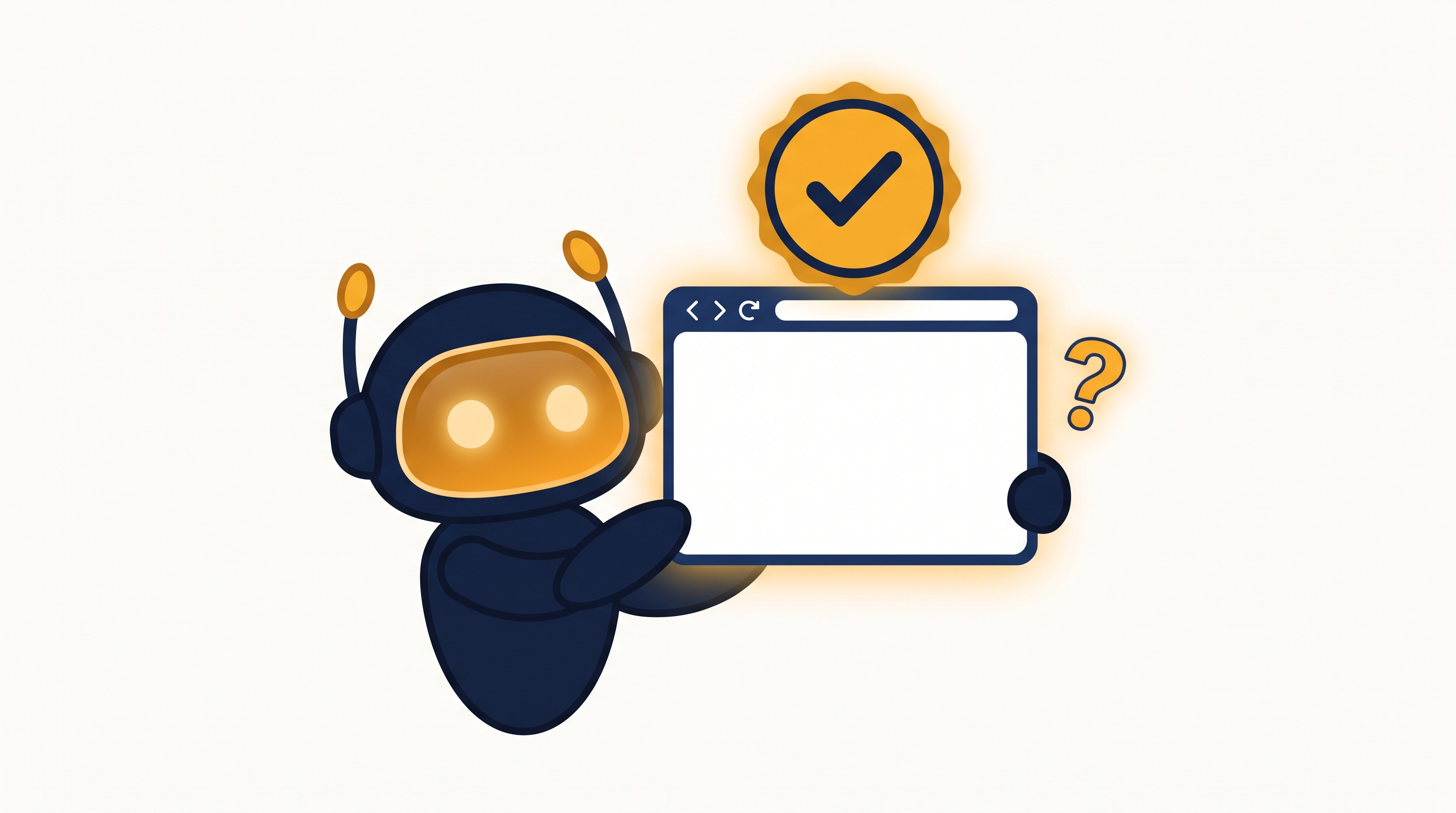
"Done" ≠ working — it reports success on the code it wrote, not on the result you wanted.
👀
You're the proof — especially when you can't read the code, your eyes are the test.
A friendly robot proudly holding up a blank browser window beneath a green checkmark badge, with a question mark

Three ways to check

Make it prove it

1
Run it / preview it
"Show me — open it in the browser" or "run it and tell me how to preview." Don't accept words; see the thing.
2
Click around yourself
Press the buttons, type in the form, open it on your phone. You're checking the outcome, not the code.
3
Ask it to test its own work
"Write and run a quick test" or "check the console for errors and fix what you find." This is the verify half of the loop.
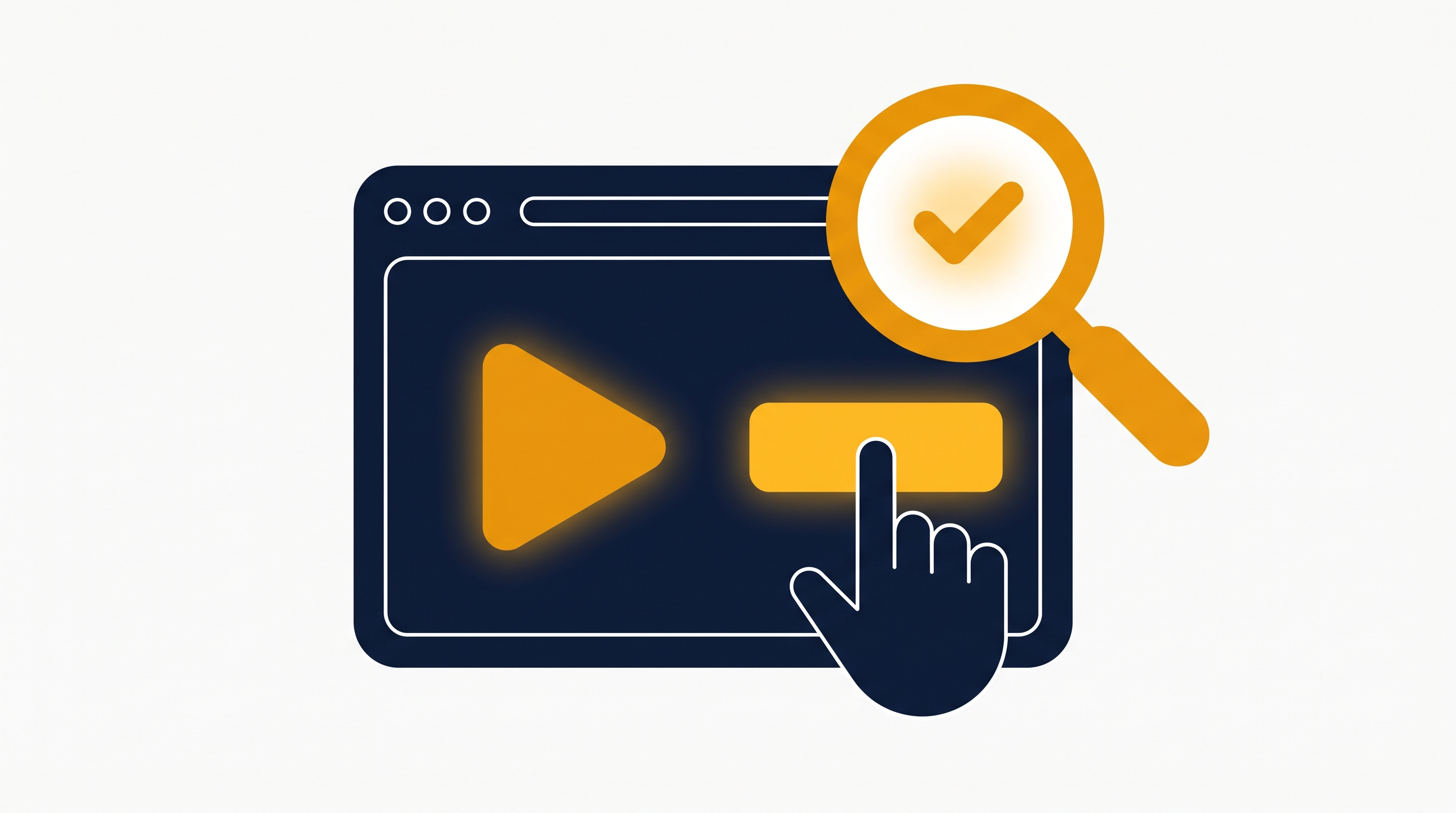
A browser window with a play button and a clicking cursor, inspected by a magnifying glass with a checkmark

When it's still wrong

Stuck? Get unstuck

📸
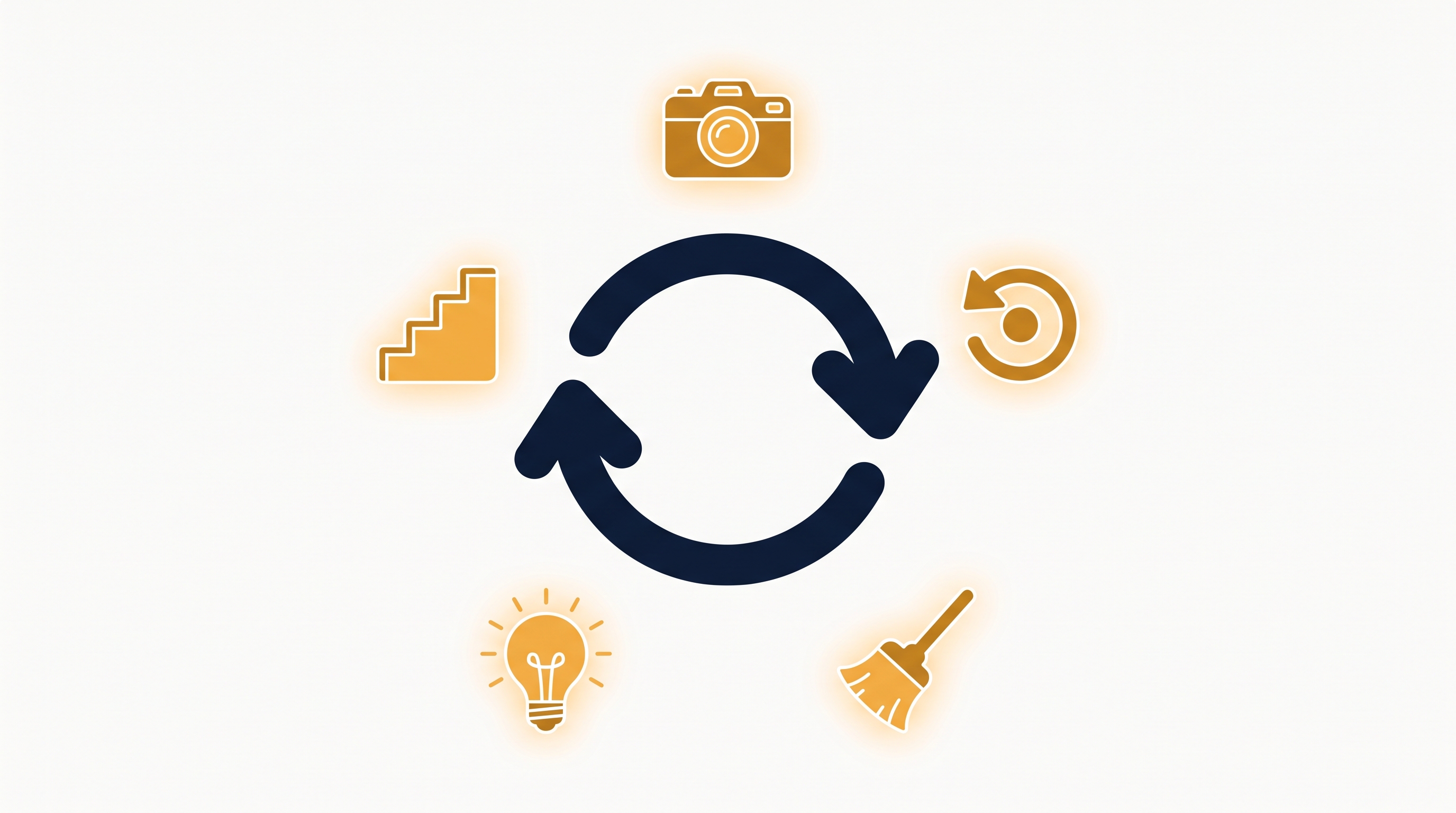
Show it, don't tell it — paste the error or a screenshot of the broken screen (lesson 2.5).
Rewind & retry /rewind (or Esc Esc) back to a good point and try a different ask (lesson 1.3).
🧹
Fresh start — if the chat's gone in circles, /clear and re-explain cleanly (lesson 3.2).
🧠
Bring a bigger engine — switch to Opus for a genuinely hard bug (lesson 3.3).
🪜
One step at a time — break it down; fix the smallest piece first.
A retry-loop arrow circled by five tool icons: camera, rewind, broom, lightbulb, and steps

The takeaway

Don't take its word for it

Every build has three beats — read, act, and verify. You already trust it to read and act. Verifying is the habit that makes you safe to ship.
🎯
Check the outcome, not the claim — "is the thing I wanted actually true on screen?"
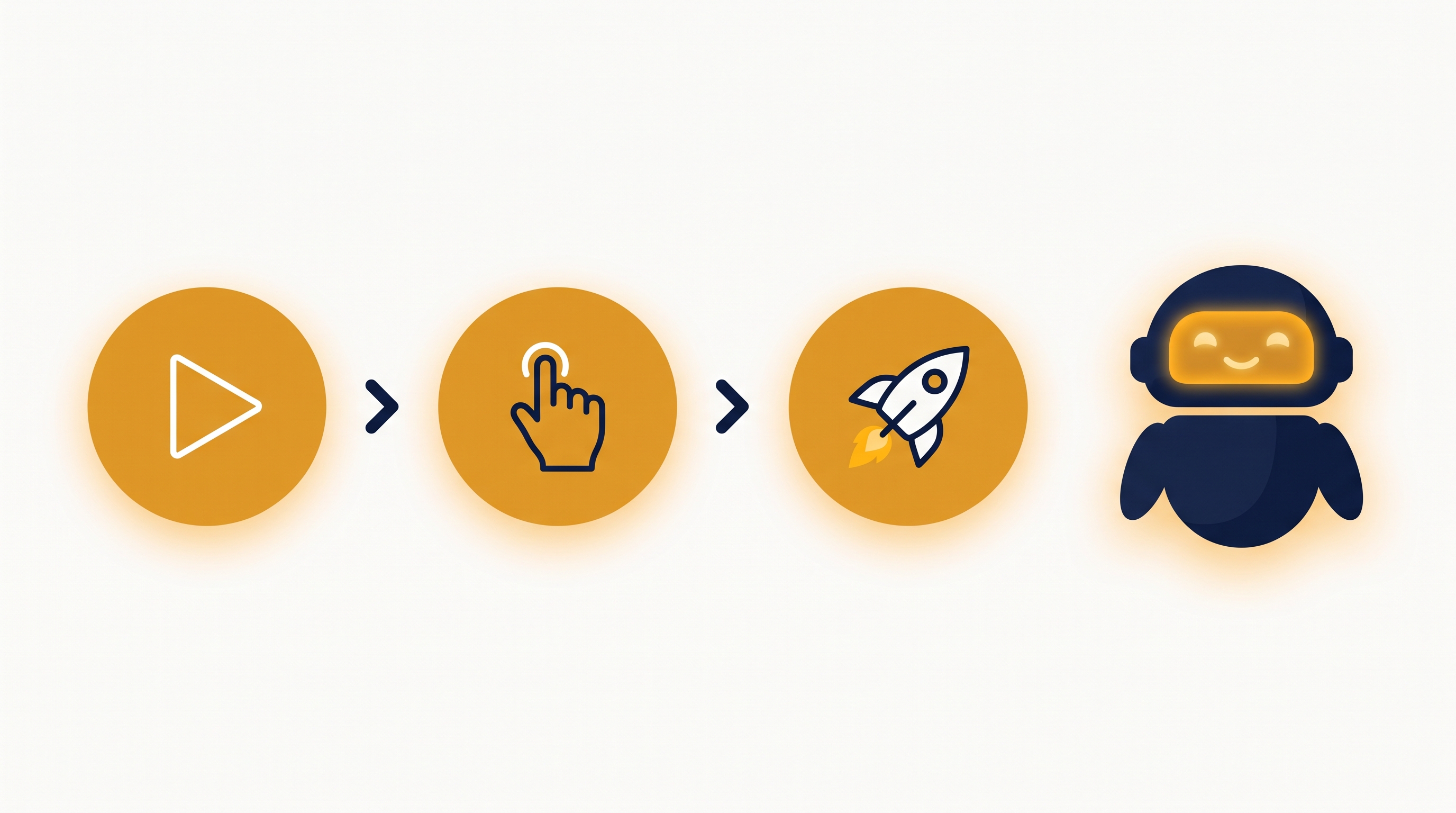
A play button, then a cursor, then a launching rocket, with a happy robot

Run it. Click it. Then ship it.

Next up: now that it works, put it online — lesson 2.7, Ship It.

← / → or buttons · F fullscreen