
vibethecoder ← Back to course

Claude Code Basics · existing projects

You don't have to start from scratch

A template you bought, an old site, a folder someone sent you — Claude can read what's already there and change it. Not every job is a blank page.

🗂️
Point it at a folder — open the project in your editor (or cd into it), then start Claude.
🧭
It reads before it touches — it maps the code first, so it changes the right thing.
A friendly robot opening a folder full of code files, examined with a magnifying glass

The three-step move

Land in any project

1
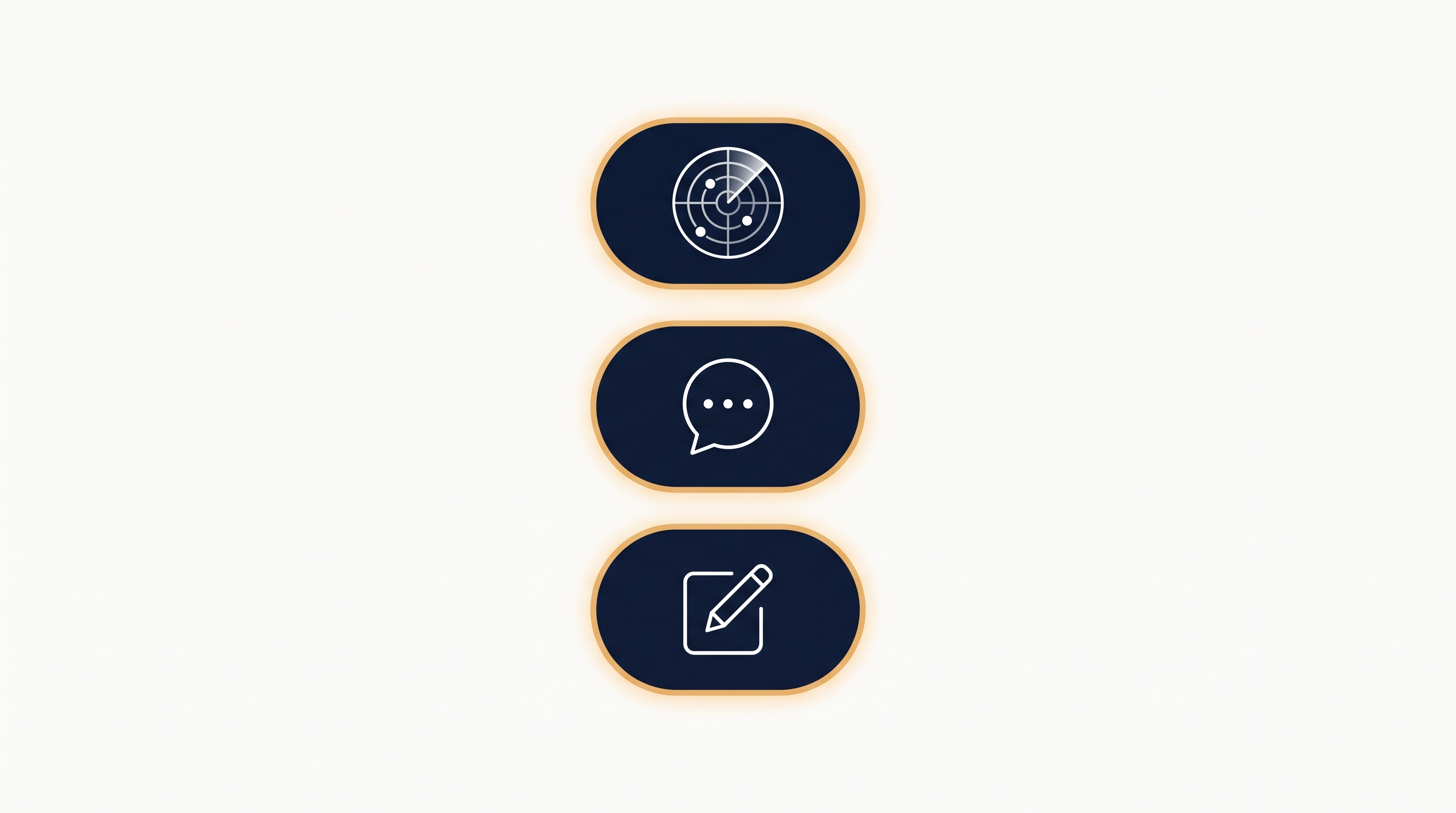
Map it — /init
Claude scans the whole project and writes a starter CLAUDE.md so it remembers how this one works (lesson 3.1).
2
Get the tour
"Explain this project in plain English — what is it, and where does the homepage live?" Now you understand it too.
3
Make one small change
"Change the headline on the home page to ___." Start tiny, then verify it worked before the next change.
Three stacked pills with a scan icon, a speech bubble, and a pencil — map, understand, change

The takeaway

Change what already exists

The same builder that makes things from nothing can walk into a project it's never seen and improve it — once it has read its way in.
🧷
Commit first — on someone else's project, save a git snapshot before you change things, so any edit is undoable (lesson 2.7).
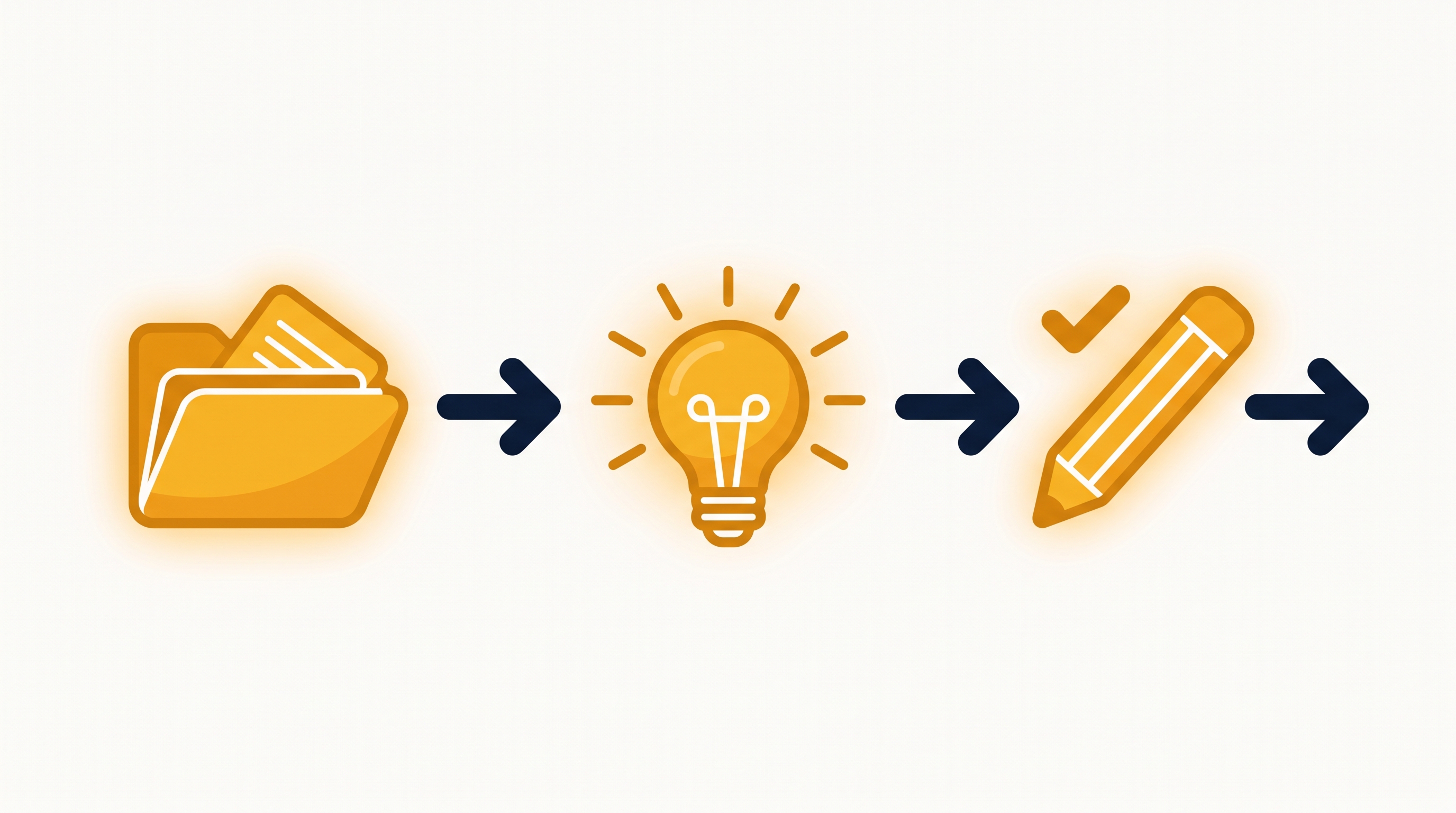
A folder, then a lightbulb, then a pencil with a checkmark — open it, understand it, change it

Open it → understand it → change it.

← / → or buttons · F fullscreen